
How to install MirrorNex on your Shopify store
MirrorNex is an embedded Shopify app that installs directly into your Shopify admin. Installation takes less than a minute and requires no coding.
Installation Steps
1
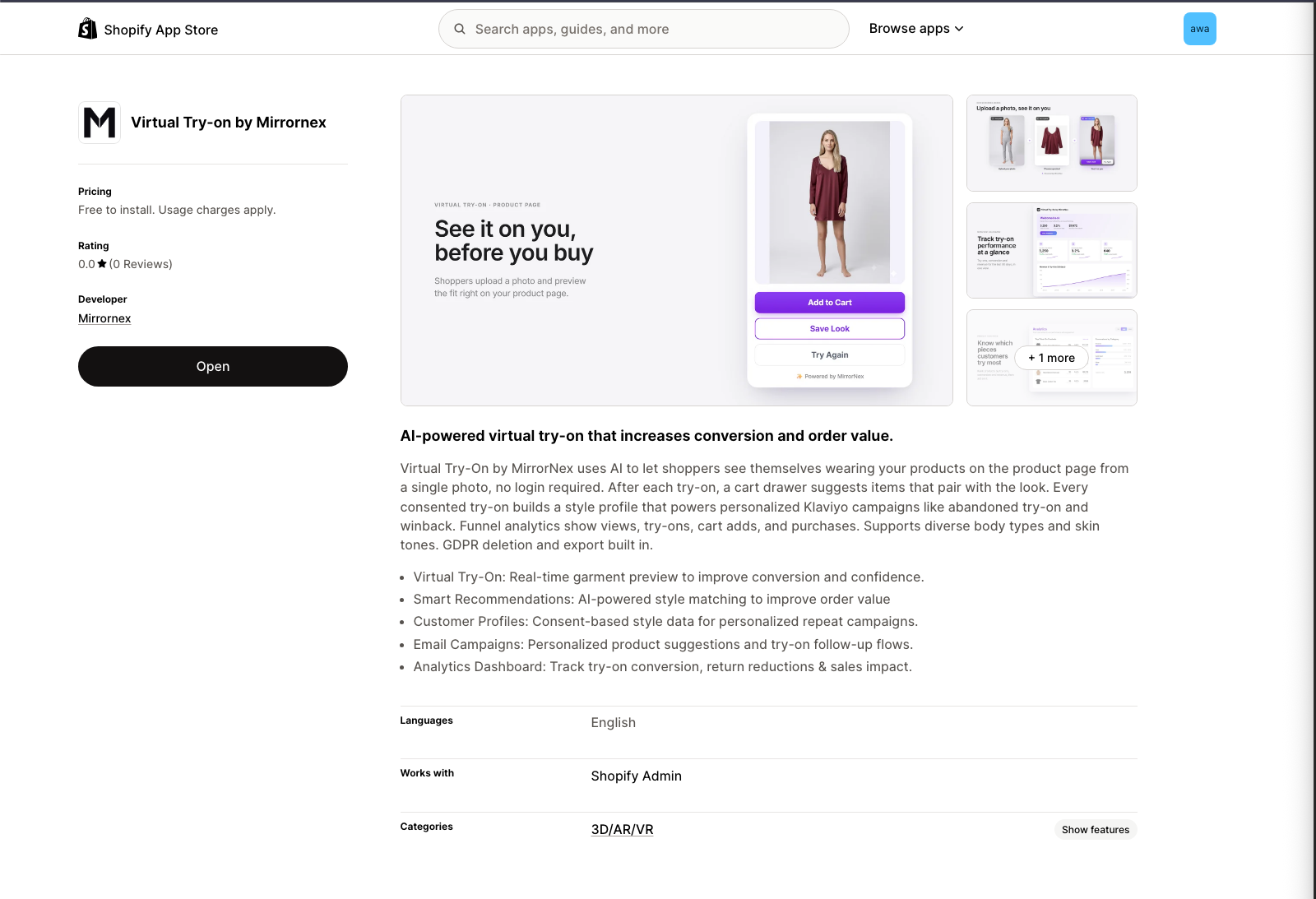
2
Click "Install"
Click the Install button. You'll be redirected to your Shopify admin to authorize the app.
3
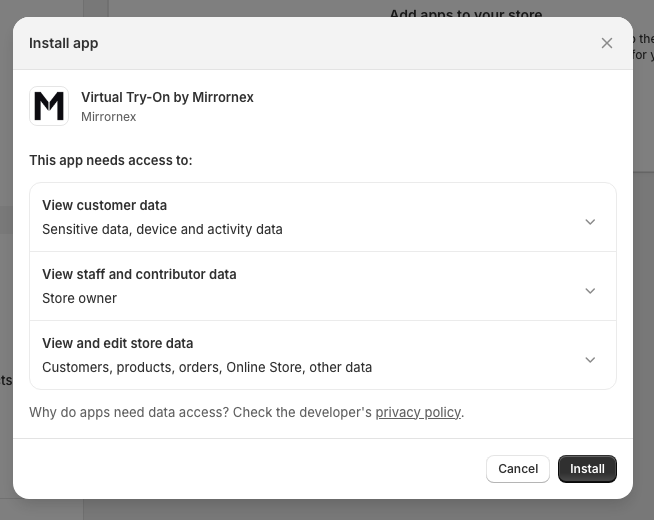
Authorize the app
Review the permissions MirrorNex needs and click Install app to confirm. We only request the minimum permissions needed to operate.
4
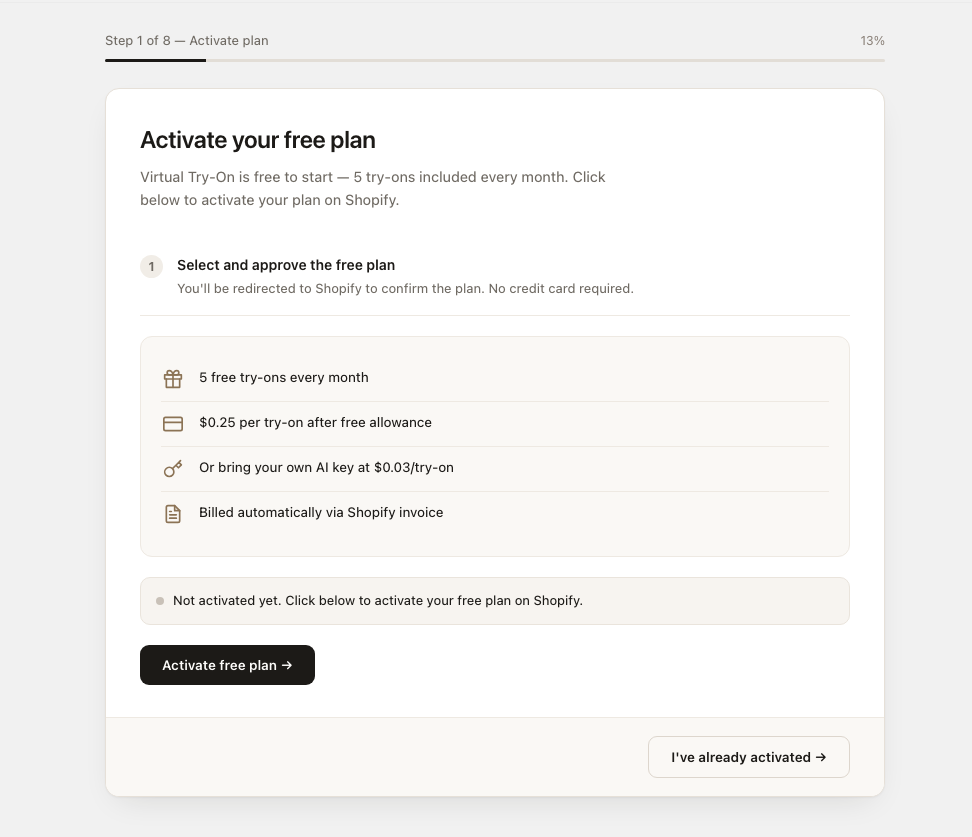
You're in!
MirrorNex opens in your Shopify admin. You'll land on the onboarding screen that will guide you through the setup process.
That's it! MirrorNex is now installed. Next, you'll need to add the try-on button to your product pages.
What happens after installation?
Once installed, MirrorNex:
- Appears in your Shopify admin under Apps → MirrorNex
- Starts you on the Free plan: 10 products, 5 try-ons a month and 3 size charts. You can change plan any time from the app.
- Takes you to a short setup: turn it on, see a try-on of your own product, and add your size chart.
Next Steps
After installation, follow these guides to complete your setup: